Office Chair for Sciatica Sufferers: What to Look for and What to Avoid
Sciatica pain can turn long work hours into an uncomfortable experience. If you spend most of your day sitting at a desk, the right office chair can make all the difference between constant discomfort and lasting relief. Choosing the best office chair for sciatica sufferers isn’t just about comfort it’s about ergonomics, posture, and proper spinal support.
In this guide, we’ll explore what to look for and what to avoid when choosing an office chair for sciatica, ensuring you make an informed, health-supportive choice.
Understanding Sciatica and Its Connection to Sitting Posture
Sciatica refers to pain that radiates along the sciatic nerve, which runs from the lower back down through the hips, buttocks, and each leg. It’s often caused by pressure on the nerve due to poor posture, herniated discs, or prolonged sitting.
When you sit for long hours especially on a poorly designed chair it increases spinal compression and puts extra stress on the lower back. Over time, this can worsen sciatic nerve pain, leading to numbness, tingling, or sharp discomfort.
That’s why choosing an ergonomic office chair designed for back support is crucial for preventing and easing sciatica symptoms.
Key Features to Look for in an Office Chair for Sciatica
Selecting the right office chair means finding one that promotes healthy alignment and reduces nerve pressure. Here’s what you should prioritize:
1. Adjustable Lumbar Support
Lumbar support is one of the most essential features for sciatica relief. A chair with adjustable lumbar support ensures that your lower spine maintains its natural curve, preventing slouching and reducing stress on the sciatic nerve.
Tip: Look for chairs with dynamic lumbar adjustment that move with your posture rather than static ones.
2. Seat Depth and Waterfall Edge Design
A seat that’s too deep can press against the back of your thighs, restricting blood flow and worsening leg pain. The ideal chair has adjustable seat depth and a waterfall edge, which promotes circulation and minimizes pressure on the thighs and lower back.
3. Proper Cushioning
Choose a chair with medium-firm, high-density foam or memory foam cushioning. It should be soft enough for comfort but firm enough to support your spine. Avoid overly plush chairs—they may feel nice at first but can cause misalignment and worsen pain over time.
4. Reclining Function and Tilt Tension
A reclining backrest allows you to change positions and relieve spinal pressure throughout the day. Look for a chair that reclines between 100°–120° and offers tilt tension control for personalized comfort.
5. Adjustable Seat Height and Armrests
An ideal office chair allows you to adjust seat height so your feet rest flat on the floor, knees bent at a 90-degree angle. Adjustable armrests help keep your shoulders relaxed and support your forearms while typing or using a mouse.
6. Breathable Material
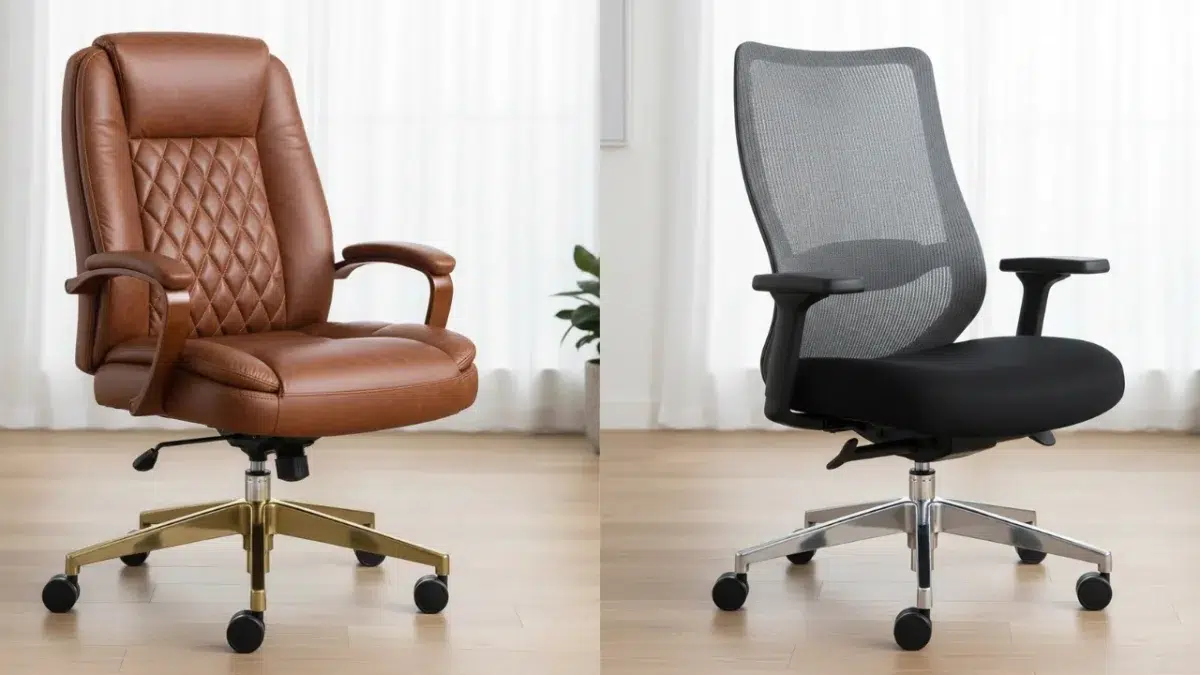
Choose a chair with mesh fabric or breathable upholstery. It helps maintain airflow, keeping you cool and comfortable especially during long hours at your desk.
What to Avoid When Choosing an Office Chair for Sciatica
Not all office chairs are created equal. Some can make sciatica pain worse. Avoid the following:
1. Poor Lumbar Design
Chairs without adequate lumbar support force your spine into unnatural positions, increasing pressure on your lower back and sciatic nerve.
2. Non-Adjustable Features
Avoid chairs with fixed armrests or seat height. A lack of adjustability prevents you from customizing your sitting position, leading to poor posture and discomfort.
3. Overly Soft or Worn-Out Cushions
Soft, sagging cushions might seem comfortable initially but fail to support your spine over time. This lack of support causes your pelvis to tilt backward, straining your sciatic nerve.
4. Hard or Non-Ergonomic Seat Edges
Flat, hard seat edges can compress the back of your legs, leading to poor circulation and aggravating nerve pain.
5. Cheap Office Chairs Without Ergonomic Design
Budget chairs often compromise on ergonomics. If you suffer from sciatica, it’s worth investing in a high-quality ergonomic office chair that supports your spine properly and lasts longer.
Best Sitting Practices for Sciatica Relief
Even with the right chair, posture matters. Follow these tips to prevent or reduce sciatica discomfort:
- Sit with your back aligned to the backrest and avoid slouching.
- Keep your feet flat on the floor or on a footrest.
- Take short breaks every 30–45 minutes to stand, stretch, or walk.
- Avoid crossing your legs, which can twist your spine and pinch the nerve.
- Use lumbar pillows if your chair doesn’t offer adequate support.
5 Frequently Asked Questions (FAQs)
1. What is the best sitting position for sciatica sufferers?
The best position is one that keeps your spine neutral, feet flat on the floor, and knees at or slightly below hip level. Adjust your chair so your back maintains its natural curve, and avoid leaning forward.
2. Are ergonomic chairs good for sciatica?
Yes, ergonomic office chairs are excellent for sciatica sufferers. They’re designed to support proper posture, reduce lower back strain, and minimize pressure on the sciatic nerve.
3. Can sitting on a hard chair cause sciatica?
Absolutely. Hard chairs provide no cushioning, leading to spinal compression and nerve irritation. Over time, this can trigger or worsen sciatica symptoms.
4. How can I make my office chair more comfortable for sciatica?
You can add a lumbar cushion, seat wedge, or gel seat pad for extra support. Also, adjust your chair height, recline angle, and desk setup to ensure ergonomic alignment.
5. Which type of office chair is best for sciatica relief?
The best office chair for sciatica is one that offers adjustable lumbar support, seat depth, reclining backrest, and medium-firm cushioning—for example, an ergonomic mesh chair or a task chair with synchro-tilt.
Recommended Ergonomic Chairs for Sciatica (2025 Picks)
While there are many options available, some top-rated chairs for sciatica relief include:
- Herman Miller Aeron Chair – Ideal lumbar support and breathable mesh design.
- Steelcase Leap V2 – Adjustable everything, perfect for long sitting hours.
- Humanscale Freedom Chair – Dynamic recline and excellent lower back support.
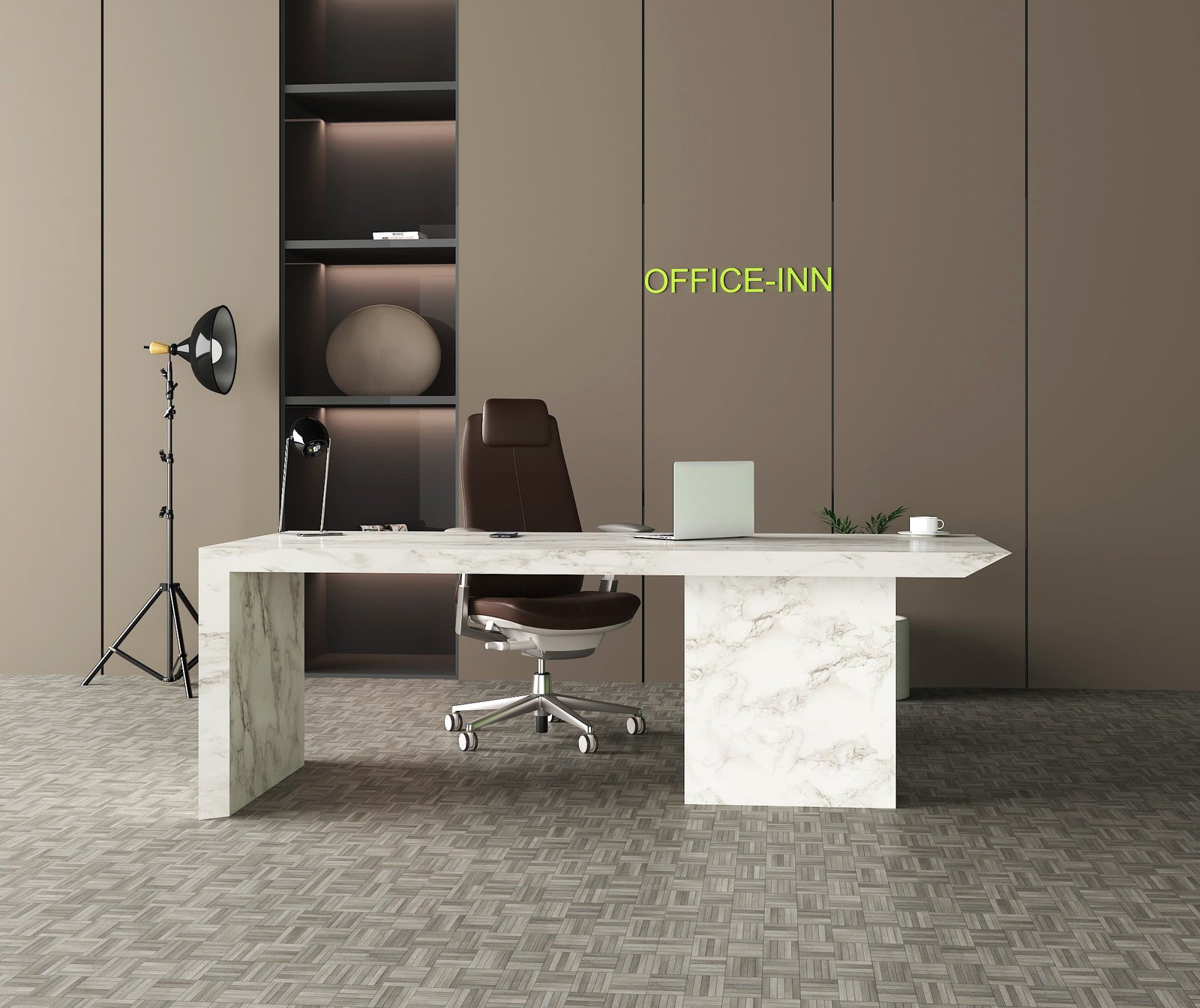
- ErgoHuman High Back Chair – Adjustable headrest, lumbar, and seat depth.
You can explore ergonomic office chairs on OfficeInn.ae that combine functionality, comfort, and style perfect for professionals dealing with sciatica pain.
Final Thoughts
Choosing the right office chair for sciatica sufferers is an investment in your health and productivity. Look for a chair that adapts to your body, supports your spine, and promotes movement throughout your workday.
Avoid non-adjustable, cheaply made chairs that sacrifice ergonomics for price. A well-designed chair not only eases pain but helps prevent future spinal issues, allowing you to work comfortably and efficiently every day.
If you’re ready to upgrade your workspace, explore OfficeInn.ae’s range of ergonomic chairs designed to provide lasting support and comfort for every professional.