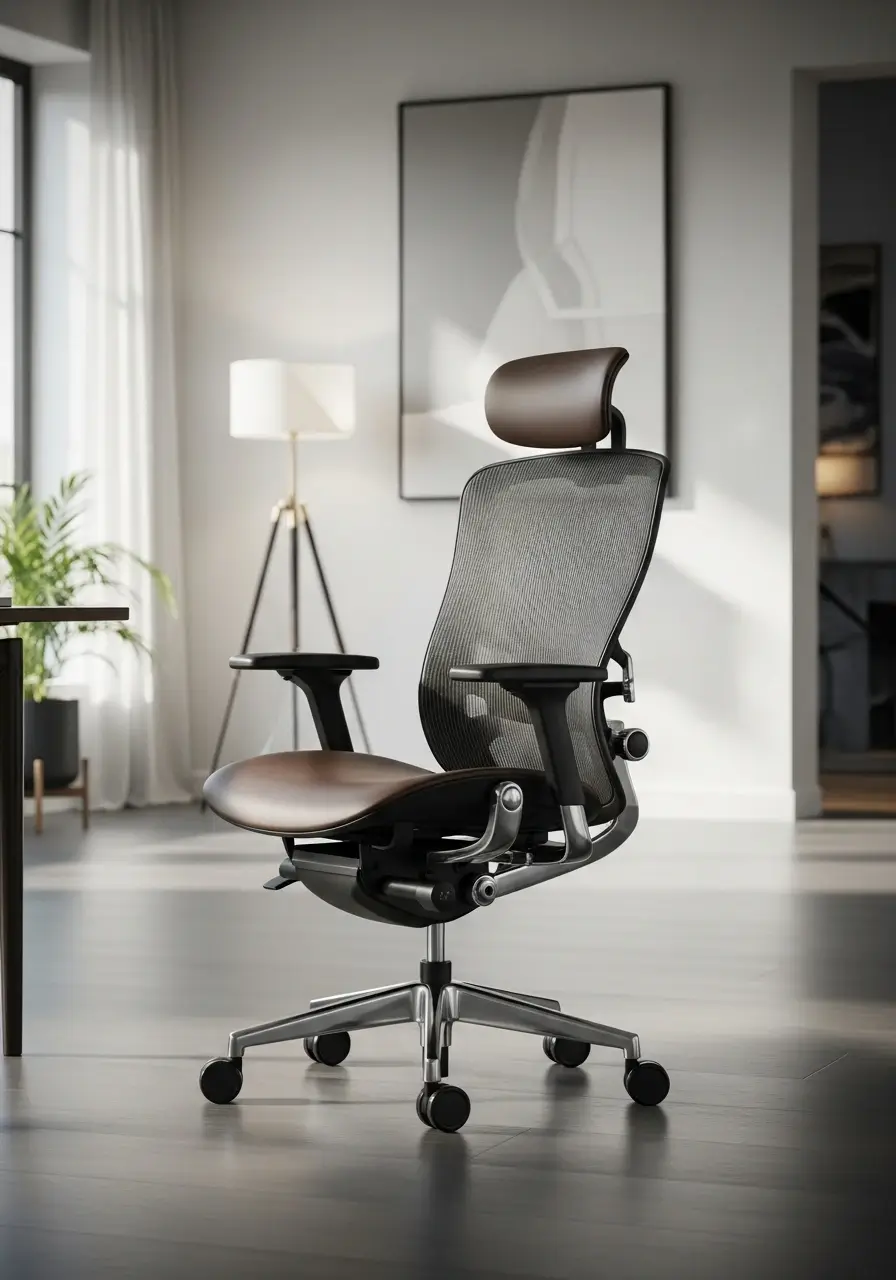
Ergonomic Chair Features Decoded: What You Actually Need vs. Marketing Hype
Ergonomic chairs promise the perfect blend of comfort and support, but with so many brands flooding the market and buzzwords flying around, it’s easy to get lost in the hype.
How do you separate genuine features that improve your posture and reduce fatigue from flashy gimmicks designed just to boost sales? In today’s fast-paced work culture, where long hours at a desk are the norm, choosing the right chair isn’t just about comfort—it’s about protecting your health.
This guide cuts through the marketing noise to reveal what you truly need in an ergonomic chair, helping you make an informed choice that supports your body and boosts productivity.
Introduction: Cutting Through the Ergonomic Chair Hype
If you’ve ever shopped for an ergonomic office chair, you’ve probably been overwhelmed by the endless buzzwords “dynamic lumbar support,” “multi-directional armrests,” “3D mesh technology,” and more. While these features sound impressive, not all of them make a real difference in your comfort or posture.
In this guide, we decode the essential ergonomic chair features you actually need and separate them from the marketing gimmicks designed to upsell you. Whether you’re setting up a home office or upgrading your corporate workspace, understanding these details can save you money and your back.
What Makes a Chair Truly Ergonomic?
At its core, an ergonomic chair is designed to support the body’s natural posture, reduce pressure on the spine, and prevent musculoskeletal issues caused by long hours of sitting. But not every “ergonomic” chair on the market meets this standard.
To be genuinely ergonomic, a chair should provide adjustability, proper lumbar support, and comfort alignment with your body type and desk setup.
Here are the core ergonomic features that actually matter:
1. Adjustable Seat Height – A Must-Have, Not a Bonus
Proper seat height adjustment allows your feet to rest flat on the floor, with knees at a 90° angle. This is crucial for maintaining healthy blood circulation and avoiding leg strain.
Look for chairs with a pneumatic height adjustment lever that smoothly adapts to your desk height and body length. Ideally, the seat height should range between 16 to 21 inches off the floor.
Marketing Hype to Ignore: “Extra-tall hydraulic systems” or “executive height seats.” These sound luxurious but often compromise ergonomic balance.
2. Lumbar Support – The Backbone of Ergonomic Design
Your lower back (lumbar region) naturally curves inward. Without proper support, prolonged sitting flattens this curve, leading to pain or disc issues.
What You Need:
- Adjustable lumbar support (both in height and depth)
- Firm yet flexible padding that moves with your posture
- Mesh or contoured foam that supports your natural spine curve
Marketing Hype:
“Memory foam lumbar zones” or “smart backrests” that promise to “auto-adjust” are often gimmicks. Static foam molds may feel soft at first but lose shape over time.
3. Seat Depth and Width – Comfort for All Body Types
An ergonomic chair’s seat depth determines how much thigh support you get without cutting off circulation behind the knees.
Ideal seat depth: about 2–4 inches of space between the edge of the chair and the back of your knees.
Chairs with adjustable seat sliders are best, as they allow you to adapt the seat to your leg length. Avoid overly deep seats they can cause slouching and back tension.
4. Adjustable Armrests – For Shoulder and Neck Relief
Armrests should support your forearms gently while typing, preventing shoulder strain.
Look for:
- Height and width adjustability
- Soft padding or gel surfaces
- 3D or 4D adjustability (height, width, pivot, and depth)
Ignore the Hype: Terms like “air suspension armrests” or “executive comfort arms” sound advanced but often add little real ergonomic value.
5. Breathable Material – Keep It Cool and Comfortable
The best ergonomic office chairs use breathable materials like mesh that allow airflow and reduce heat buildup—ideal for long working hours.
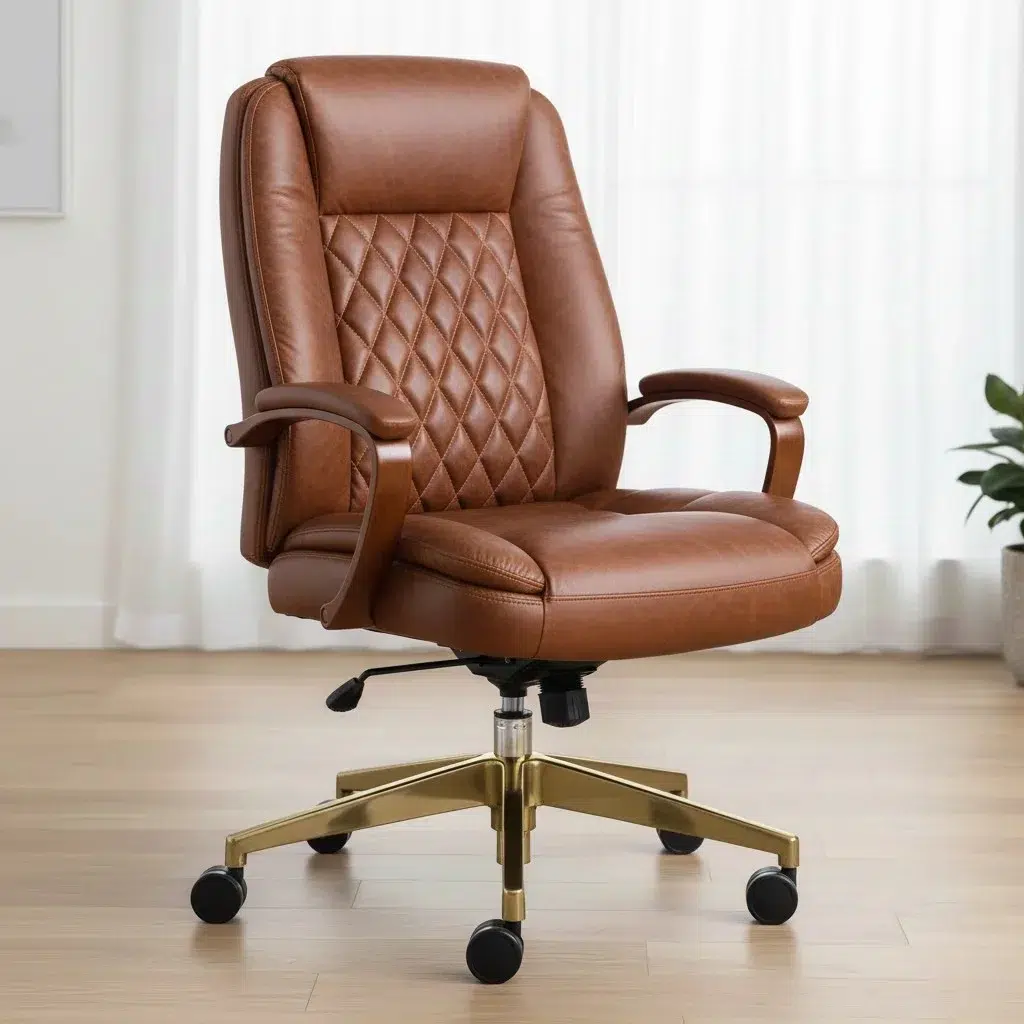
Leather chairs may look premium but tend to trap heat, making them less comfortable for extended use.
Pro tip: A mesh backrest with a cushioned fabric seat offers the perfect balance between support and comfort.
6. Recline Function & Tilt Lock – For Movement and Posture Balance
Dynamic movement is key to preventing stiffness. Chairs with a tilt mechanism allow you to recline slightly throughout the day, which relieves pressure on your lower spine.
Essential features:
- Synchro-tilt mechanism: The back and seat tilt together at a 2:1 ratio
- Tilt tension control: Adjusts resistance based on your weight
- Tilt lock: Locks your preferred recline angle
Avoid chairs that only recline “for show.” Real ergonomic chairs encourage movement, not static sitting.
7. Headrest – Optional, but Beneficial for Some
If you often lean back while reading or attending virtual meetings, a headrest can support your neck and upper spine.
However, for active desk work, it’s optional. Choose a height- and angle-adjustable headrest if you plan to use one.
8. Casters and Base Stability – Small Details, Big Impact
A five-point base with smooth-rolling casters offers stability and ease of movement.
If your workspace has carpet flooring, choose hard nylon wheels. For hardwood or tile floors, soft rubber casters prevent scratches and slipping.
Marketing Hype to Watch Out For
Here are some common marketing traps you can safely ignore:
- “Gaming-grade ergonomics” Gaming chairs often prioritize looks over function.
- “Zero gravity seating” Misleading term with no proven ergonomic benefits.
- “Executive comfort foam” Too soft, lacks lumbar stability.
- “AI posture correction” Most chairs can’t truly “correct” posture automatically.
How to Choose the Right Ergonomic Chair for You
When shopping for an ergonomic chair, consider:
- Your body type and height
- How long you sit each day
- Desk height and workspace setup
- Adjustability options and warranty
Before purchasing, try sitting in the chair for at least 10–15 minutes to assess real comfort and adjustability.
Top 5 FAQs About Ergonomic Chairs
1. What is the most important feature in an ergonomic chair?
The adjustable lumbar support is the most crucial feature. It supports your lower back curve and prevents long-term spinal stress.
2. Are expensive ergonomic chairs really worth it?
Not always. Many mid-range chairs (like those from Office Inn UAE) offer premium ergonomics without inflated pricing. Focus on adjustability, build quality, and comfort not brand names.
3. How long should you sit in an ergonomic chair per day?
Even with the best chair, limit continuous sitting to no more than 45–60 minutes at a time. Take regular breaks to stand, stretch, or walk.
4. Mesh vs. Leather: Which is better for ergonomics?
Mesh chairs are generally better for long sitting hours as they’re breathable and promote airflow. Leather chairs look elegant but can trap heat and cause sweating.
5. Can an ergonomic chair improve posture and productivity?
Absolutely. A well-designed ergonomic chair promotes natural spine alignment, reduces fatigue, and enhances focus leading to better comfort, posture, and productivity throughout the workday.
Final Thoughts: Buy Smart, Sit Better
When it comes to ergonomic chairs, more features don’t always mean more comfort. Focus on the core essentials adjustability, lumbar support, and breathable materials rather than flashy marketing terms.
A chair that fits your body, desk, and work habits is the true definition of ergonomic comfort.
At Office Inn, we help you find ergonomic office furniture in the UAE that blends science-backed design with lasting comfort so you can work better, sit smarter, and stay healthy.