
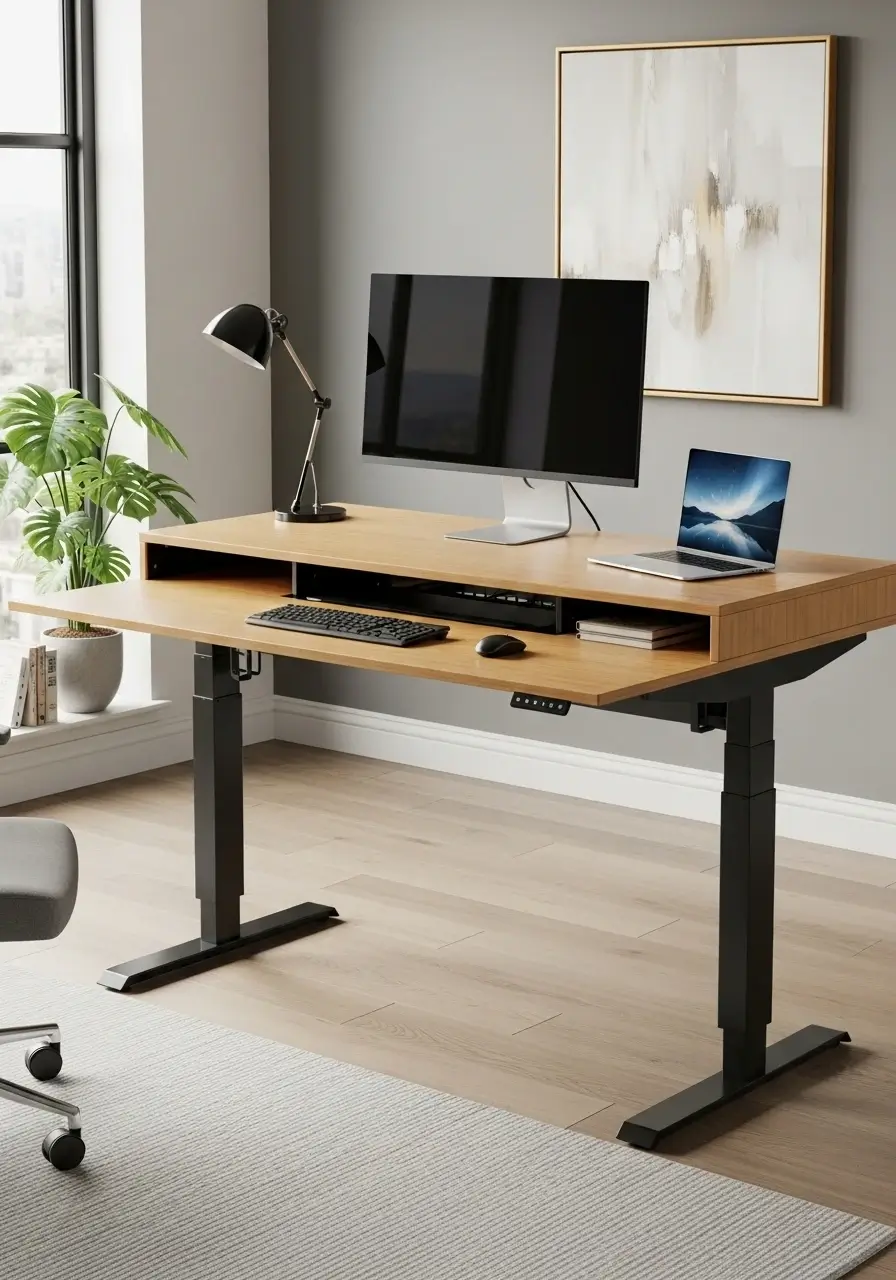
Common Office Workstation Mistakes Businesses Make (And How to Avoid Them)
A well-designed office workstation plays a critical role in employee productivity, comfort, collaboration, and overall workplace efficiency. However, many businesses invest heavily in office furniture and workspace design without fully understanding how workstation layouts impact employee performance. As a result, organizations often make costly office workstation mistakes that lead to reduced productivity, employee discomfort, poor space utilization, and higher operational expenses.
Whether you are setting up a new office or upgrading your existing workspace, understanding these common workstation planning mistakes can help create a more productive and comfortable work environment.
In this guide, we’ll explore the most common office workstation mistakes businesses make and provide practical solutions to avoid them.
Why Office Workstation Design Matters
Modern employees spend a significant portion of their day at their desks. Poor workstation design can contribute to:
- Reduced employee productivity
- Increased physical discomfort
- Higher absenteeism
- Workplace distractions
- Employee dissatisfaction
- Poor collaboration between teams
A well-planned workstation setup improves workflow, supports employee well-being, and maximizes office space efficiency.
1. Choosing Workstations Based Only on Price
One of the biggest mistakes businesses make is prioritizing cost over functionality and quality.
While budget considerations are important, selecting the cheapest office workstations often results in:
- Poor durability
- Limited functionality
- Inadequate storage
- Reduced employee comfort
- Higher replacement costs
Solution
Invest in high-quality office workstations that balance affordability, durability, and ergonomic design. Quality furniture lasts longer and provides better long-term value.
Related Keywords:
- office workstation furniture
- office desk solutions
- modular workstations
- workstation systems
2. Ignoring Ergonomics
Ergonomics is one of the most important factors in workstation design, yet many businesses overlook it.
Poor ergonomic setups can cause:
- Back pain
- Neck strain
- Wrist injuries
- Eye fatigue
- Reduced productivity
Employees who experience physical discomfort are less likely to perform at their best.
Solution
Provide ergonomic office furniture, including:
- Adjustable office chairs
- Proper desk heights
- Monitor arms
- Footrests
- Keyboard trays
An ergonomic workstation supports employee health and improves workplace performance.
3. Poor Space Planning
Many offices either overcrowd employees or leave valuable office space underutilized.
Common space planning mistakes include:
- Narrow walkways
- Insufficient personal workspace
- Poor traffic flow
- Inadequate meeting areas
Poor office layouts create distractions and reduce operational efficiency.
Solution
Use strategic office space planning techniques to create balanced work environments. Modular workstation systems can help maximize available space while maintaining employee comfort.
4. Lack of Privacy
Open-plan offices remain popular, but excessive openness can negatively impact concentration.
Employees often struggle with:
- Noise distractions
- Lack of focus
- Reduced confidentiality
- Increased stress levels
Solution
Incorporate privacy solutions such as:
- Workstation partitions
- Acoustic panels
- Privacy screens
- Quiet zones
Modern office workstation clusters often include privacy features that balance collaboration and concentration.
5. Overlooking Storage Requirements
A cluttered workspace creates inefficiency and frustration.
Businesses frequently underestimate employee storage needs, resulting in:
- Desk clutter
- Lost documents
- Reduced productivity
- Unprofessional office appearance
Solution
Choose workstations with integrated storage options such as:
- Mobile pedestals
- Under-desk cabinets
- Filing units
- Overhead storage solutions
A clean and organized workspace improves workflow and employee satisfaction.
6. Not Considering Future Growth
Many companies purchase office workstations based solely on current staffing levels.
As businesses grow, they face challenges such as:
- Limited seating capacity
- Costly office redesigns
- Inconsistent workstation layouts
Solution
Select scalable workstation systems that can expand with your organization.
Modular office furniture allows businesses to:
- Add more workstations easily
- Reconfigure layouts
- Adapt to changing team structures
Future-ready office furniture saves money and simplifies expansion.
7. Poor Cable Management
Modern workstations require multiple devices, including computers, monitors, phones, and charging stations.
Without proper cable management, businesses often experience:
- Workplace clutter
- Safety hazards
- Difficult maintenance
- Unprofessional aesthetics
Solution
Use workstations with built-in cable management systems such as:
- Cable trays
- Wire channels
- Power modules
- Under-desk cable organizers
A clutter-free workstation creates a cleaner and more efficient office environment.
8. Insufficient Collaboration Spaces
While individual workstations are important, employees also need spaces for teamwork and communication.
Businesses often focus entirely on desk arrangements while neglecting collaborative areas.
This can lead to:
- Reduced team communication
- Inefficient meetings
- Lower innovation
Solution
Create a balanced workplace by combining:
- Individual workstations
- Collaborative work zones
- Meeting pods
- Breakout areas
A hybrid workspace supports both focused work and teamwork.
9. Ignoring Natural Lighting
Lighting has a direct impact on employee well-being and productivity.
Poor lighting conditions can cause:
- Eye strain
- Fatigue
- Reduced concentration
- Lower employee morale
Solution
Position office workstations to maximize natural light whenever possible.
Supplement with:
- LED task lighting
- Adjustable desk lamps
- Anti-glare monitor placement
Good lighting contributes to a healthier and more productive workplace.
10. Failing to Involve Employees in Workstation Planning
Many management teams make office furniture decisions without consulting employees.
Since employees use workstations daily, excluding them from the planning process often results in:
- Poor adoption
- Dissatisfaction
- Unmet workplace needs
Solution
Gather employee feedback before purchasing office workstations.
Consider conducting:
- Workplace surveys
- Team consultations
- Workspace assessments
Employee input helps create practical workstation solutions that improve workplace satisfaction.
How to Choose the Right Office Workstation
When selecting office workstations, businesses should evaluate:
Functionality
Choose workstations that support daily workflows and employee responsibilities.
Ergonomics
Prioritize employee comfort and long-term health.
Flexibility
Opt for modular systems that adapt to changing business needs.
Storage
Ensure sufficient storage options are available.
Technology Integration
Select desks with built-in power and cable management features.
Space Efficiency
Maximize office floor space without compromising comfort.
Benefits of Avoiding These Office Workstation Mistakes
Businesses that invest in proper workstation planning often experience:
- Increased employee productivity
- Better workplace organization
- Improved employee well-being
- Enhanced collaboration
- Reduced absenteeism
- Greater employee retention
- More efficient use of office space
A strategic workstation design is an investment in both employee performance and business success.
Frequently Asked Questions (FAQs)
1. What is the most common office workstation mistake businesses make?
The most common mistake is ignoring ergonomics. Poor workstation ergonomics can cause employee discomfort, reduced productivity, and long-term health issues such as back and neck pain.
2. How do office workstations affect employee productivity?
Well-designed office workstations improve focus, comfort, organization, and workflow efficiency, helping employees perform tasks more effectively and productively.
3. What features should a modern office workstation include?
A modern office workstation should include ergonomic design, cable management, storage solutions, privacy options, technology integration, and flexible configuration capabilities.
4. Are modular office workstations better for growing businesses?
Yes. Modular office workstations allow businesses to expand, reconfigure layouts, and adapt to changing workforce requirements without major renovation costs.
5. How much workspace should each employee have?
The ideal workspace depends on job functions and office layout, but employees should have enough desk space, storage, and movement area to work comfortably and efficiently.
Conclusion
Creating an effective office workspace goes far beyond purchasing desks and chairs. Businesses that overlook workstation design often face productivity challenges, employee dissatisfaction, and unnecessary expenses. By avoiding common office workstation mistakes such as poor ergonomics, inadequate storage, insufficient privacy, and ineffective space planning, organizations can build work environments that support employee success and long-term growth.
Investing in high-quality office workstations, ergonomic furniture, and scalable workspace solutions helps businesses create productive, comfortable, and future-ready offices. Whether you’re designing a startup office or upgrading a corporate workspace, thoughtful workstation planning will deliver lasting benefits for both employees and the organization.


